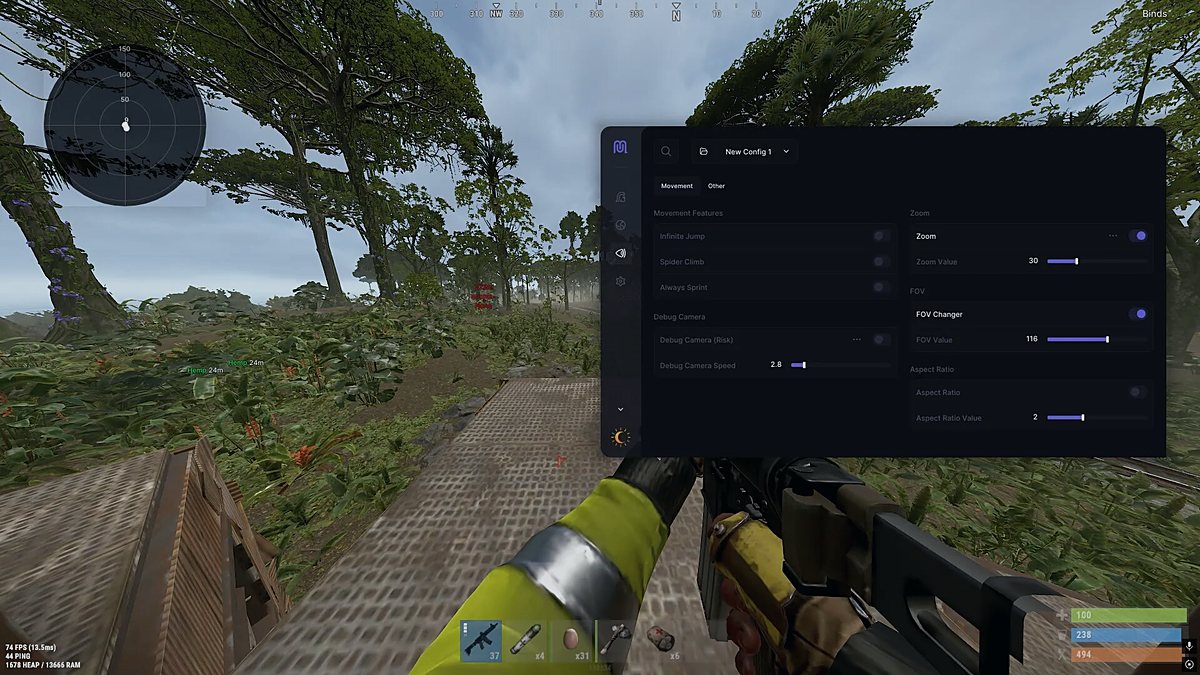
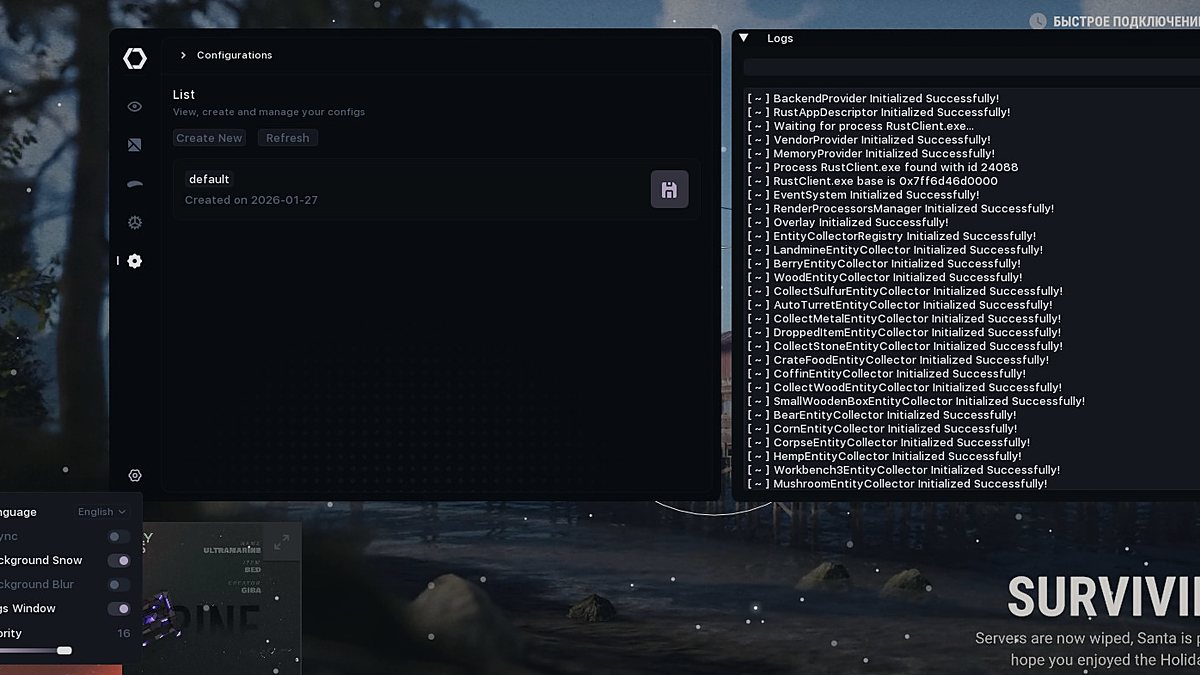
How to set up Windows for cheats in 2026: a practical guide
Bought private software and it will not start, crashes on injection or gets caught by protection? In most cases the problem is not the cheat itself but an unprepared system. Setting Windows up for cheats properly matters more than it seems: it determines both how reliably things launch and how many conflicts you get with the anti-cheat and the antivirus. Below is a practical guide for 2026 with no magic — only what genuinely affects a cheat launch. Look for current builds for your games in the ResellerCheats catalogue.
Why prepare the system at all
Private loaders are temperamental programs. They work with the game process memory, sometimes load their own drivers, and strongly dislike clutter in the system: extra overlays, conflicting anti-cheat modules, outdated libraries. A prepared system gives you three things: the cheat loads on the first try, there are fewer crashes mid-match, and behaviour is predictable after game updates. Five minutes of setup save hours of fighting errors like injection failed or DLL not found.
BIOS/UEFI: Secure Boot, TPM and virtualisation
We start with the motherboard firmware — you enter it with Del or F2 at power-on.
- UEFI mode. The drive and boot must be in UEFI, not Legacy/CSM — modern Windows and many driver loaders require it.
- Secure Boot. For software that installs its own driver, Secure Boot often has to be turned off: it blocks unsigned drivers. Disabling it lowers the overall boot security level, so turn it back on when you do not need the cheat.
- TPM 2.0. Usually left enabled — Windows 11 and some anti-cheats need it. Disable it only if the software instructions explicitly require that.
- Virtualisation (VT-x / AMD-V). This depends on the specific product: some need it, others are hindered by it together with Hyper-V. Check the manual.
- CPU instructions. Some modern software requires AVX/AVX2 support. Older processors may not have it — then the loader simply will not start.
Which Windows you need and what to update
Software is tested on current stable builds. For 2026 that means Windows 10 22H2 or Windows 11 23H2 and newer. A few important points:
- Install an official image from the Microsoft site rather than a dubious enthusiast build — those often have components the loader needs cut out and questionable tweaks baked in.
- The Pro edition is preferable to Home: more flexible control over Defender, Hyper-V and group policies.
- Add the libraries: a fresh Visual C++ Redistributable (all versions), .NET and an updated DirectX. Their absence causes half of all launch errors.
- Synchronise the time and time zone. A mismatch breaks the licence check and the HWID binding, so the software refuses to activate.
Antivirus: exclusions and risks
The main stumbling block. By its nature a loader behaves like a virus: it injects code and reads other processes' memory. That is why both Windows Defender and third-party antivirus software regularly quarantine it before it even starts. The options:
- Antivirus exclusions. The careful path is to add the software folder to the Defender exclusions (Windows Security → Virus protection → Exclusions). That way the basic system protection stays in place.
- Turning it off completely. Sometimes the manual requires switching real-time protection off entirely. That is a real risk: while the antivirus is off you are exposed, so only do this with trusted software from a reliable source and do not browse the internet wide open.
- Core Isolation / Memory integrity. For driver-based cheats this feature is almost always switched off — otherwise the system will not load an unsigned driver.
- Hyper-V and the sandbox. Windows virtualisation conflicts with some loaders; it is disabled when the instructions say so.
Third-party antivirus software such as Kaspersky or Avast is more aggressive than the built-in one and breaks injection more often — it is usually paused for the duration of the game.
Launching the cheat: display mode, rights and overlays
Final preparation before you start:
- Display mode. Most overlays and menus are drawn correctly only in borderless windowed mode. Exclusive fullscreen often hides the cheat visuals or causes a black screen.
- Administrator rights. Run both the loader and the game itself as administrator — without that there are not enough administrator rights to access the process memory, and the cheat launch ends with an error.
- Clearing temporary files. Before starting, clean %temp% and the log folder from the previous session — old files sometimes stop the new version from loading.
- Overlays. Turn off the Discord, Steam and GeForce Experience overlays: they hook into the game the same way a cheat does and cause conflicts and crashes.
- USB loaders. If the product loads from a flash drive, do not remove it during the game and keep it in a permanent USB port.
Honestly about the risks
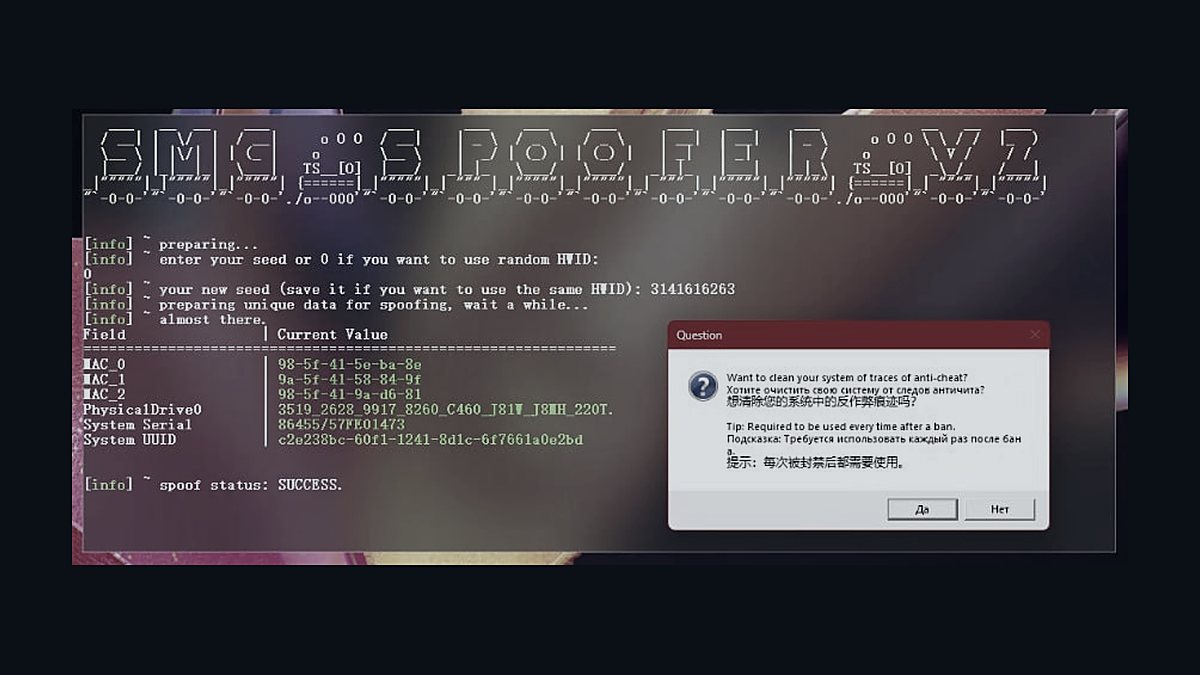
Even a perfectly configured system gives no guarantees. Private software reduces the risk of detection compared with public cheats but does not remove it — anti-cheats get updated, and there is no such thing as 100% no ban. We do not promise that. Always read the instructions for the specific product: settings differ between games, and the manual matters more than any general guide. Read separately about hardware protection and the consequences of a block — about the HWID ban and the spoofer.
Frequently asked questions
Do I have to disable the antivirus completely?
Not always. Adding the software folder to the exclusions is often enough. Full disabling is required by individual products and is always stated in their instructions — it is a trade-off between convenience and system security.
Why will the cheat not start even though everything is configured?
Most often the culprits are a missing Visual C++ Redistributable, Memory integrity left enabled, an overlay that was not turned off, or launching without administrator rights. Check these four points first.
Will a pirated Windows build do?
We do not recommend it. Unofficial builds cut out components the loader needs and add tweaks that break injection. A clean official image of Windows 10 22H2 or Windows 11 23H2+ works most reliably.
Ready to pick private software with a current undetected status?
Go to catalogue